As an Amazon Associate, I earn from qualifying purchases. This post may contain affiliate links, meaning I get a commission if you decide to make a purchase through my links, at no cost to you.
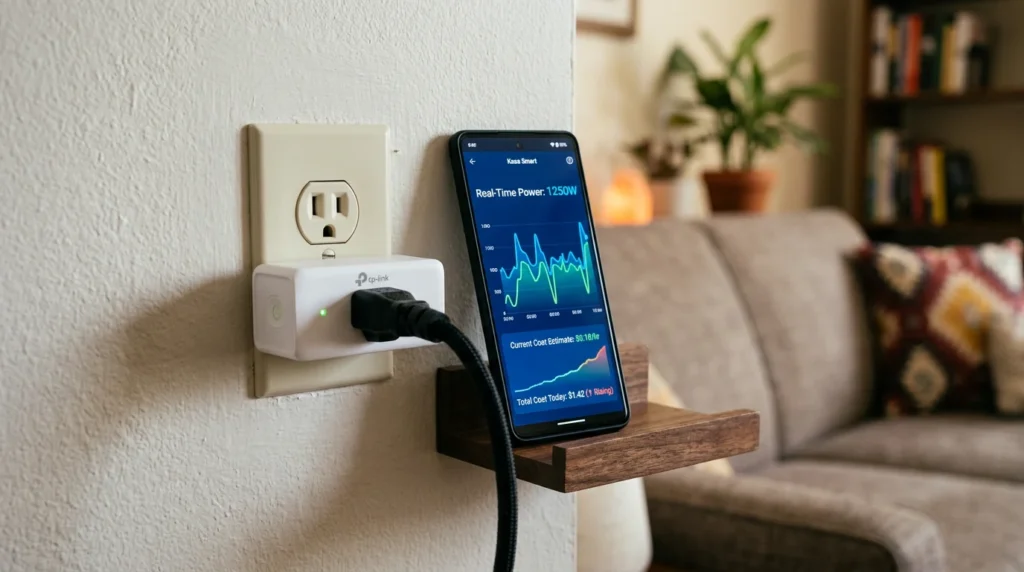
That sinking feeling when you open your late-winter utility bill is universal.
The fastest way to stop the bleeding is by plugging your appliances into energy monitoring smart plugs to audit your actual power consumption.
We can’t just blame the weather anymore.
According to tracking data from the U.S. Energy Information Administration (EIA), residential electricity rates are still creeping up across most states in 2026.
American homes are packed with electronics that silently drain power all day and night.
They do this even when they look completely shut off.
You simply cannot cut your monthly costs if you have zero visibility into where the electricity is flowing.
Unlike a basic smart switch that just turns a lamp on and off, these specialized tracking units have integrated hardware.
They calculate the exact real-time wattage your space heater, television, or ancient basement fridge is pulling.
To save you from scrolling through endless generic options, here is a breakdown of the three standout models on the market right now.
Key Hardware Compared
| Hardware Model | Ecosystem & App Vibe | Availability |
|---|---|---|
| Kasa EP25 | Premium, ultra-slim Apple HomeKit integration. | View on Amazon |
| Govee H5083 | Highly visual data graphs for Alexa & Google. | View on Amazon |
| Emporia (4-Pack) | Aggregates multiple rooms into one dashboard. | View on Amazon |
1. TP-Link Kasa EP25: The Sleek Space-Saver
There is nothing more frustrating than buying a new smart home gadget and plugging it into the wall.
You step back and realize its bulky plastic housing completely blocks the second outlet.
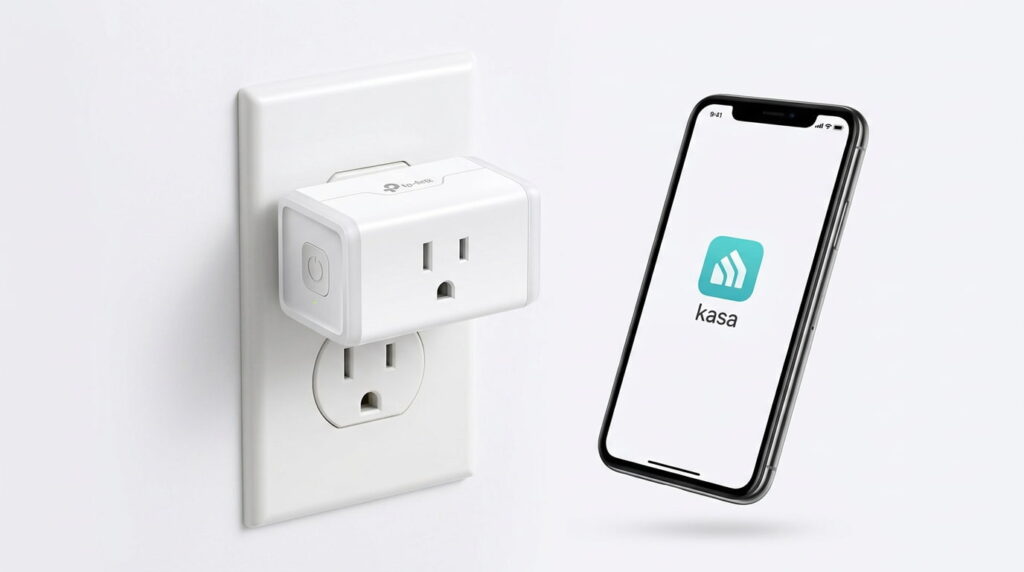
TP-Link engineered the Kasa EP25 specifically to solve that spatial nightmare.
Looking at the hardware, it features a highly polished white exterior with rounded edges.
The footprint is impressively narrow.
If you need to monitor a coffee maker and a microwave on the same kitchen backsplash, you are in luck.
You can easily stack two of these units into the same standard wall receptacle.
On the software side, the Kasa app is widely regarded as one of the most intuitive interfaces available.
It generates clean, easy-to-read energy usage charts without overwhelming you with confusing data.
It also connects natively to Apple HomeKit right out of the box.
This is a massive win if you rely on Siri to run your household.
Just keep a close eye on the model numbers when shopping.
The standard Kasa HS103 looks identical on a screen but entirely lacks the internal tracking chip.
👉 Check Current Price & Deals for Kasa EP25 on Amazon
2. Govee Smart Plug (H5083): The Colorful Tracker
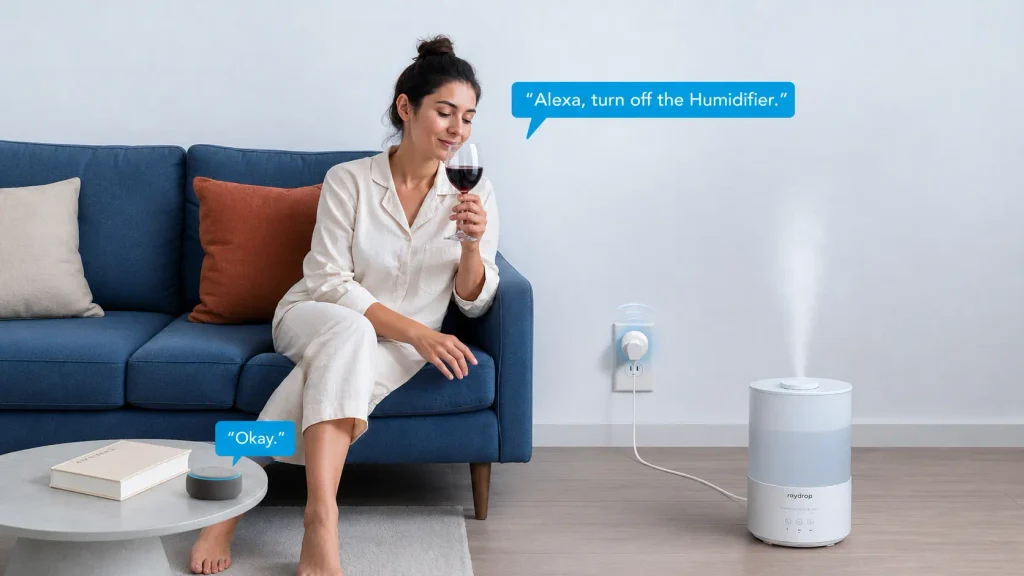
If you are outfitting multiple rooms and looking for a budget-friendly route, the Govee H5083 changes the game.
Govee is mostly known in the US for making highly popular LED light strips.
But their smart plug lineup is an absolute hidden gem for home auditing.
The physical design is a straightforward, rounded oval.
It is slightly wider than the Kasa, meaning it might crowd a tight power strip.
However, it fits perfectly fine in standard wall outlets.
The real magic happens when you pair it with the Govee Home app.
Because Govee is deeply rooted in visual aesthetics, their energy tracking dashboard is incredibly vibrant.
It visualizes your daily, weekly, and monthly power consumption with bright, easy-to-digest charts.
Getting this level of detailed wattage tracking without paying for a monthly app subscription is huge.
It makes this plug an incredibly smart investment.
👉 Check Current Price & Deals for Govee H5083 on Amazon
3. Emporia Smart Plug (4-Pack): The Deep-Dive Auditor
Sometimes, checking the power usage of a single lamp simply isn’t enough.
When you decide it’s time to interrogate your entire living room setup, Emporia offers a completely different approach.
Emporia is primarily an energy management brand.
Their smart plugs are built specifically to feed data into their comprehensive auditing ecosystem.
The physical plugs are standard, utilitarian rectangular blocks.
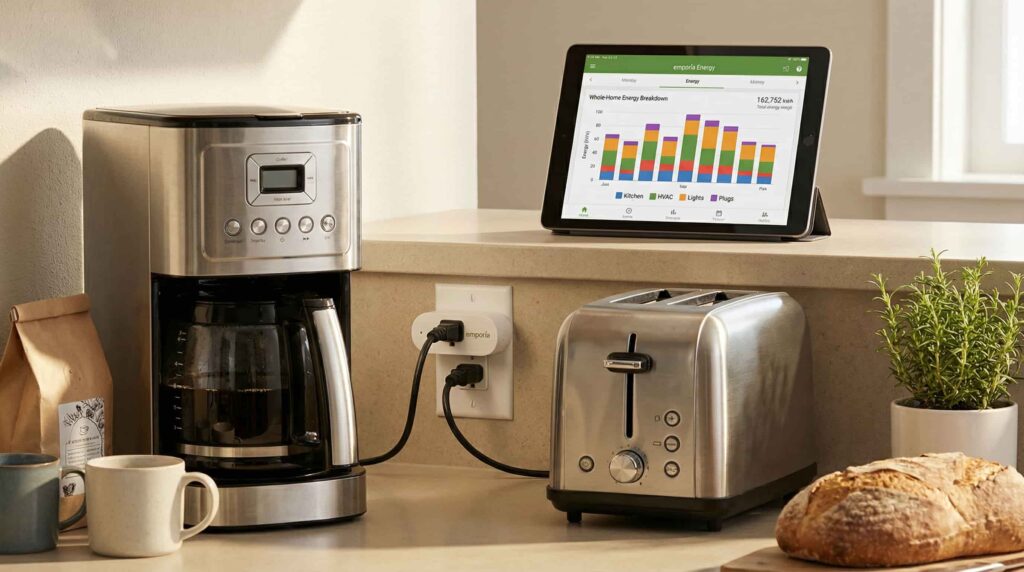
The true value is buried in the Emporia Energy app.
Instead of making you click into individual devices one by one, the software does the heavy lifting.
It aggregates the data from every single Emporia plug in your house.
It generates detailed bar graphs and pie charts.
You can see exactly how your total usage is split between the garage fridge, the basement dehumidifier, and the gaming console.
Because the app is heavily focused on data analytics, the interface is dense.
It is a dream for spreadsheet lovers.
However, it might be a bit overwhelming if you just want a basic timer.
👉 Check Current Price & Deals for Emporia 4-Pack on Amazon
The Unsung Hero: Grab a Flat Extension Cord
Here is a common layout issue that catches people off guard when auditing their homes.
These tracking units add about an inch and a half of depth to your wall outlet.
If that outlet happens to be directly behind a heavy sofa, you have a problem.
The plug will prevent you from pushing your furniture flush against the wall.
The best workaround is to grab a Cable Matters Low-Profile Extension Cord to go with your new setup.
The plug on this cord is entirely flat and sits flush against the wall.
You can plug the flat extension cord into the wall behind the couch and run the wire under the sofa.
Then, you simply attach your smart gadget out in the open.
This protects your drywall and keeps the hardware easily accessible.
👉 Check Current Price & Deals for Flat Extension Cord on Amazon
Which Setup Matches Your Routine?
The Aesthetic Minimalist
You refuse to deal with ugly, oversized tech cluttering your kitchen counters.
You want a beautifully designed device that integrates instantly with your iPhone.
You also want to actually use the other half of your wall outlet.
You belong with the Kasa EP25.
The Deal Hunter
You want to track the energy drain of your space heaters and window AC units.
You prefer a vibrant, visually engaging app that makes checking power levels actually fun.
The Govee H5083 is your safest bet.
The Data Detective
You are determined to find out exactly why your utility bills spiked this season.
You want to monitor the washer, the AC, and the fridge simultaneously.
You want to view all the math on one comprehensive screen.
The Emporia 4-Pack was made for you.
Common Questions About Energy Monitoring Smart Plugs
Can I just use standard versions of these plugs?
No, you will defeat the entire purpose of the audit.
Standard models physically lack the internal sensors required to measure electrical current.
Always verify that tracking capabilities are explicitly listed in the product description before checking out.
What is secretly draining power in my house while I sleep?
Home entertainment centers are notorious power hogs.
According to the U.S. Department of Energy, appliances left in “Standby” mode can continuously draw dozens of watts.
A smart TV, a soundbar, and a video game console plugged in together will create an invisible drain.
This adds up significantly over a year.
Will these connect to my new 5GHz Wi-Fi router?
These tracking devices are universally designed to operate on 2.4GHz Wi-Fi networks.
This is actually a major advantage.
The 2.4GHz band travels much farther through drywall, floors, and heavy furniture than 5GHz.
This ensures your hardware stays connected even if it is buried behind a basement washing machine.
Final Thoughts on Tackling Your Power Bill
Taking control of your home’s efficiency doesn’t require a degree in electrical engineering.
It simply requires visibility.
Once you map out your home’s actual power draw, the next steps become incredibly obvious.
You might discover that putting your basement dehumidifier on an automated schedule makes a massive dent in your expenses.
Or, you might finally get the hard data needed to justify replacing that ancient garage fridge.
You can then upgrade to a modern, Energy Star certified model.
Setting up energy monitoring smart plugs this weekend is the best move you can make.
It is the easiest way to start giving your bank account some much-needed breathing room.
Want more recommendations? Head back to our homepage to see all our 2026 everyday picks.