As an Amazon Associate, I earn from qualifying purchases. This post may contain affiliate links, meaning I get a commission if you decide to make a purchase through my links, at no cost to you.
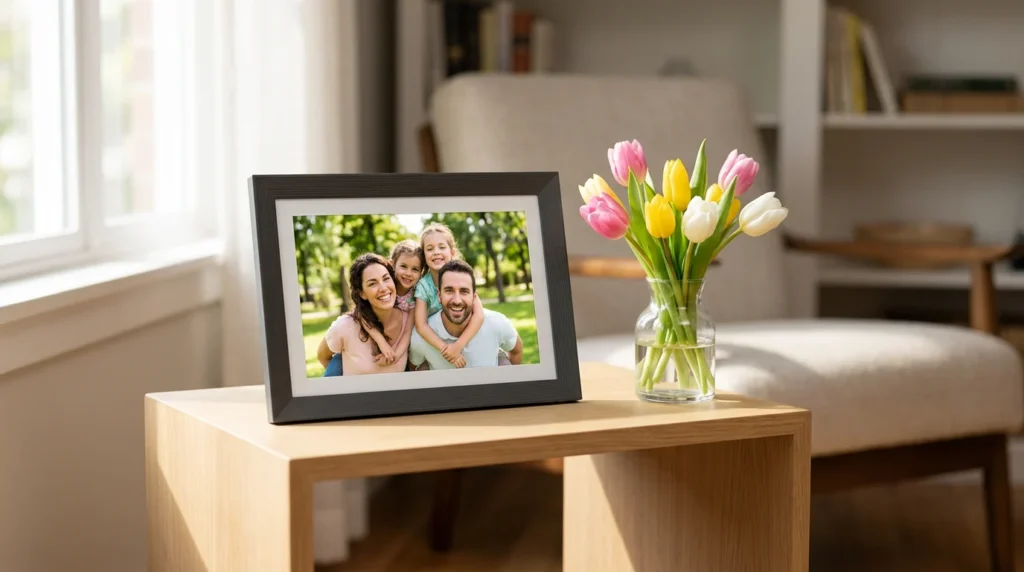
Mother’s Day is creeping up. If you are desperately searching for the best digital picture frame for mom, I just did all the heavy lifting for you.
Let’s be real for a second: she doesn’t need another floral-scented candle.
And that fancy kitchen gadget you bought her last year? It’s probably collecting dust in a cabinet.
What she actually wants is to feel connected to you.
In fact, studies from the American Psychological Association constantly highlight how sharing daily visual moments can significantly combat feelings of isolation for older adults.
Upgrading her living room with a Wi-Fi-enabled display is the ultimate way to stay present in her life, especially if you live states away.
But the smart frame market is a minefield. Pick the wrong one, and you’ll accidentally gift her a clunky interface, hidden subscription fees, or a screen that constantly drops its Wi-Fi signal.
I skipped the spec sheets, bought the three most popular models, and handed them over to my family to see which ones actually survive real-world use.
Here is the unfiltered truth about what works, what doesn’t, and which one belongs on her mantel.
The Best Digital Picture Frame for Mom: My Quick Picks
Scrolling on your phone and just need the TL;DR? Here is how they shook out in my living room:
- The Overall Winner: Want a gorgeous, high-end piece of decor with ZERO hidden monthly fees? Grab the [Aura Carver 10″ HD]. It’s the most aesthetic option on the market.
- For the Tech-Anxious Grandparent: Dealing with an older relative who gets overwhelmed by smartphone apps? Go with the [Skylight 10-Inch]. Its email-to-frame feature is borderline magic.
- For Massive Families: Trying to herd multiple siblings to share photos from a giant Google Photos archive? The [Nixplay 10.1″ Touch] is your heavy-duty workhorse.
The Cheat Sheet Comparison
| Frame Model | Best For... | Monthly Fees? | The "Aha" Feature | Check Price |
|---|---|---|---|---|
| Aura Carver 10" HD | The Aesthetic Mom | None. Ever. | Pre-load photos via QR code before opening the box. | Check Price on Amazon |
| Skylight 10-Inch | The Tech-Phobic Grandma | Yes (for video/captions) | Just email photos to the frame. No app needed. | Check Price on Amazon |
| Nixplay 10.1" Touch | The Big Sibling Group | Yes (for longer videos) | Auto-syncs directly with a shared Google Photos album. | Check Price on Amazon |
1. Aura Carver 10″ HD: Gorgeous Hardware, Zero Hidden Fees
When you are giving a gift, you don’t want to hand your mom a monthly bill right after she unwraps it.
That was the main reason the Aura Carver caught my eye. It offers free, unlimited cloud storage out of the box, forever.
The moment you pull it out of the packaging, it feels intentionally designed.
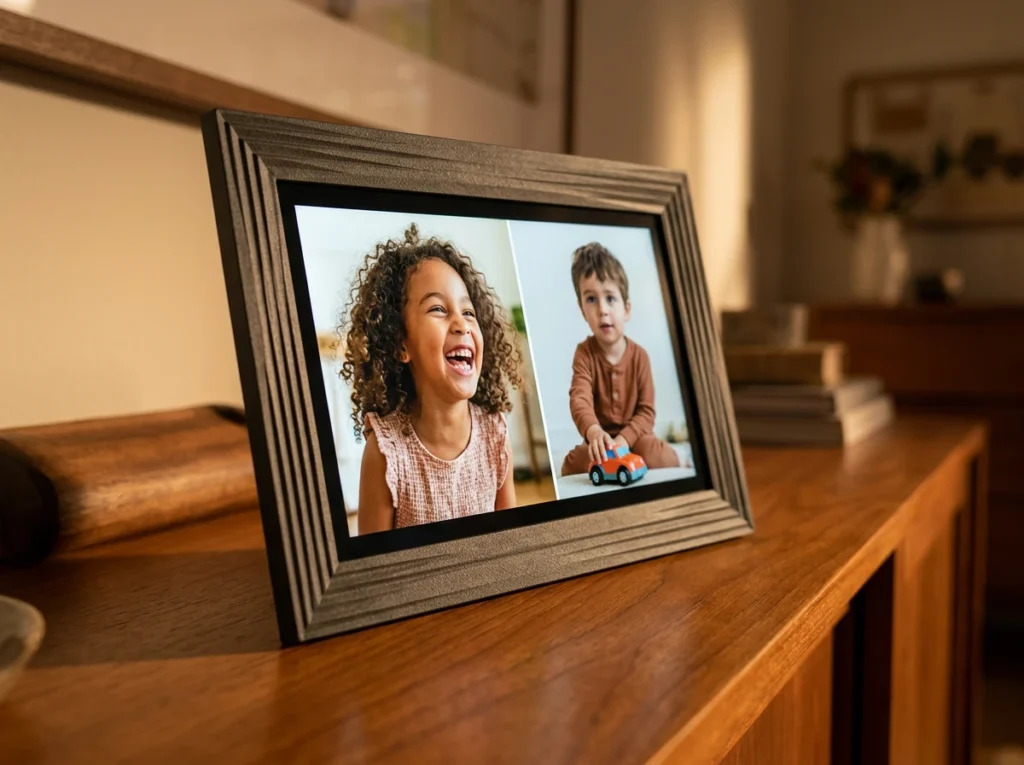
It ditches cheap, shiny plastic for a weighty, grooved back. It legitimately looks like it belongs in a West Elm catalog.
I will admit, when I first plugged it in, I kept tapping the glass like an idiot expecting a menu to pop up. It doesn’t have a touchscreen.
Instead, Aura uses a tactile swipe bar along the top edge of the frame.
At first, I was annoyed. But after leaving it in my living room for a week, I realized it’s a brilliant design choice. Touchscreens turn into greasy fingerprint magnets immediately. The swipe bar keeps the glass completely pristine, and scrolling feels oddly satisfying.
I actually discovered my favorite feature before I even wrapped the box.
Aura uses a unique setup where you just scan a QR code right on the outside of the packaging. I preloaded an entire album of family vacation photos via the app without breaking the shrink wrap. When my mom unwrapped it and plugged it into her wall, it instantly lit up with our faces.
I did run into one minor physical limitation when I tried decorating my narrow entryway table.
The Carver is strictly a landscape frame. If you try to stand it upright, it won’t physically rotate the image. It does use clever AI to automatically pair two vertical smartphone photos side-by-side to avoid ugly black bars, but you definitely need a wide enough horizontal space on her shelf for it to sit.
👉 Check the current live price & deals for the Aura Carver on Amazon
2. Skylight 10-Inch: The Dead-Simple Option for Older Relatives

Holding the Skylight next to the Aura, you can instantly feel a difference in the build quality.
The Skylight has a thicker, more utilitarian plastic bezel. It doesn’t scream “luxury decor.”
But frankly, that’s fine. I didn’t buy this for a modern aesthetic; I bought this frame to solve a completely different problem: tech anxiety.
I tested this specifically with my 80-year-old grandmother in mind. Her relationship with technology mainly involves accidentally putting her phone on “Do Not Disturb” and wondering why no one calls her.
The Skylight is beautifully friction-free for the person receiving it.
During my initial setup, I created a custom email address for the frame. That is the entire secret sauce.
My cousins don’t need to download a special app or create an account. They just attach photos to an email and send it directly to that address.
When a photo arrives, the frame gently chimes.
The screen is touch-enabled, featuring a little digital “Heart” button in the corner. When my grandmother taps that heart, it automatically shoots an email back to my phone saying she loved the picture. It creates a flawless loop of connection.
Everything was going perfectly until I tried to send a quick video of my dog playing in the yard.
That is when I hit a paywall. To unlock video playback and text captions on the screen, Skylight requires a paid Plus subscription. It is a slight bummer, but considering I never have to do tech support over the phone for this frame, the trade-off might be entirely worth it for your family.
👉 See why thousands of buyers rated the Skylight 5 Stars on Amazon
3. Nixplay 10.1″ Touch Screen: The Google Photos Powerhouse
If you come from a massive family where getting everyone to upload photos feels like an impossible chore, the Nixplay 10.1″ is your brute-force solution.
Physically, the frame feels incredibly solid on a table.
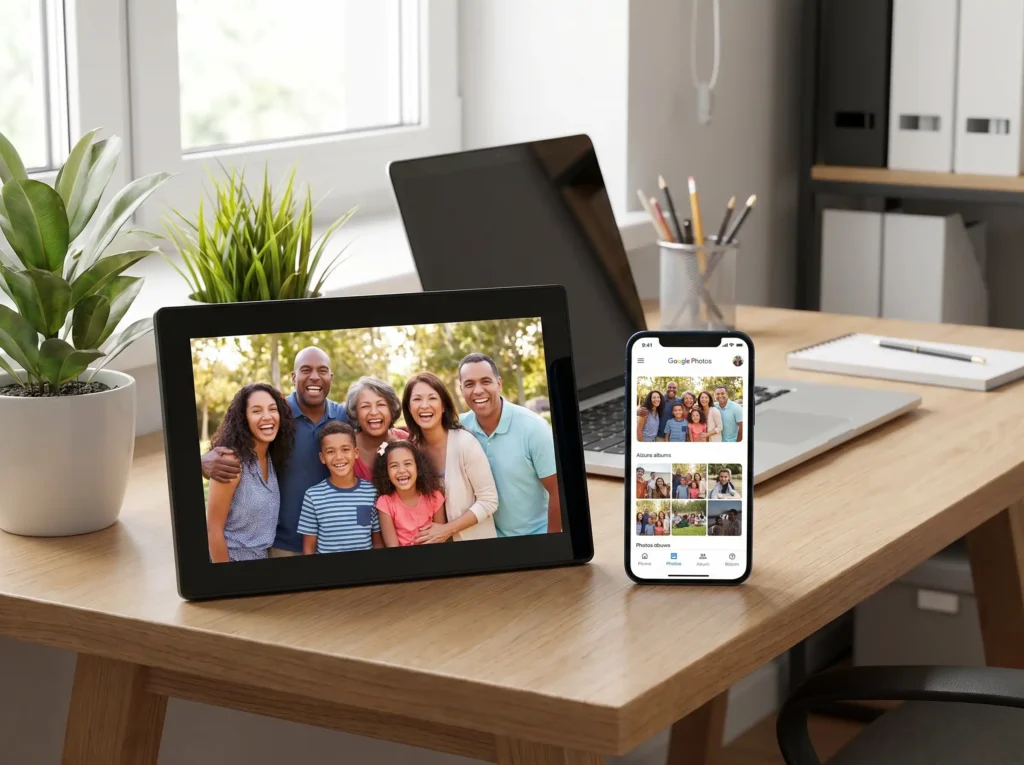
It has a heavy, textured stand that keeps it firmly planted. The screen also gets impressively bright, easily cutting through the afternoon glare of a sunlit room.
What really made me keep the Nixplay around is how it handles photo sourcing.
My siblings and I already drop all our kids’ photos into a shared Google Photos album on our phones. During setup, I was able to link that specific Google album directly to the Nixplay frame.
Now, the entire process runs on autopilot.
Whenever my sister takes a photo at soccer practice and saves it to our Google album, it automatically syncs to my mom’s frame across the country. Nobody has to remember to open a separate smart frame app.
Because it packs in so many powerful integrations, you do pay a small price in user-friendliness during the initial setup.
The Nixplay app felt noticeably clunkier than Aura’s, and I had to spend a few minutes menu-diving to get the Google Photos sync perfectly mapped out. Also, similar to the Skylight, Nixplay locks its longer video-sharing capabilities behind a premium subscription wall.
If it’s just you sending photos to your mom, this frame is overkill. If you have an army of siblings, the automated software is unmatched.
👉Check active discount coupons for the Nixplay on Amazon
The “Set It and Forget It” Trick I Always Use
Even the best digital frame can cause mild anxiety for older parents—especially at night.
While frames like the Aura Carver have ambient light sensors that dim the screen in the dark, older folks often get distracted by a screen glowing in the corner of the living room.
My mom actually started physically unplugging her frame before bed because she was worried it was wasting electricity.
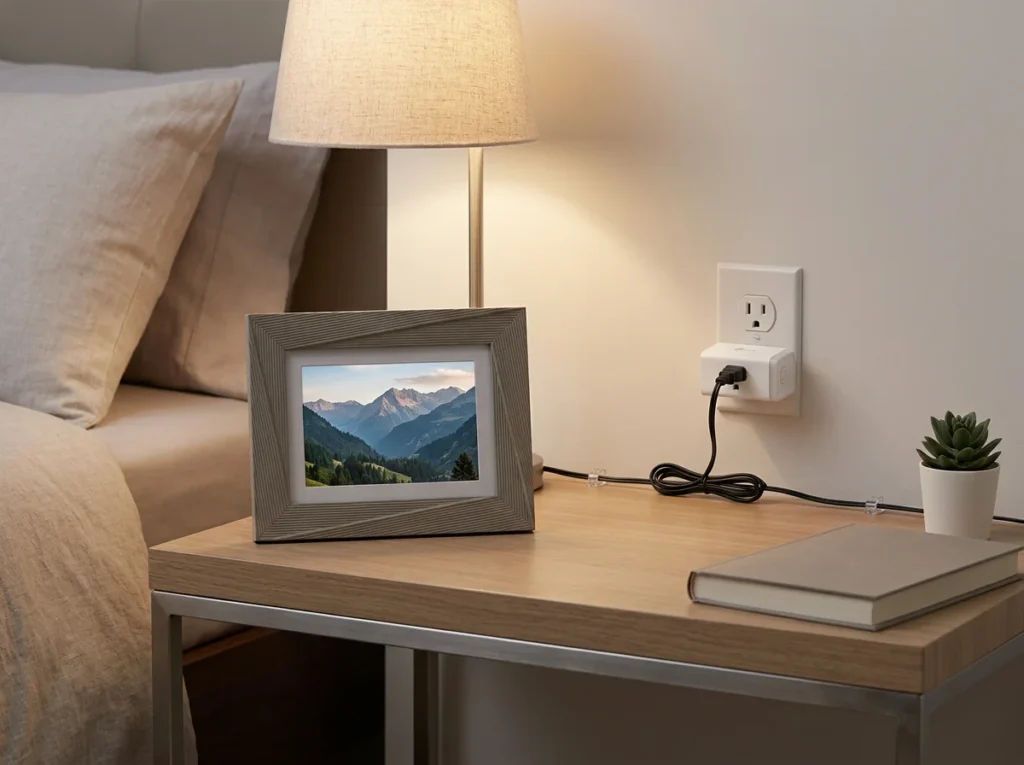
Before I hand over a digital frame now, I always pair it with a Kasa Smart Plug.
I go into the Kasa app on my phone and set a hard schedule: Power ON at 8:00 AM, Power OFF completely at 10:00 PM.
It totally eliminates any lingering anxiety she might have about leaving a device running all night. It transforms the frame into a truly zero-maintenance gift.
👉 Grab the Kasa Smart Plug 2-Pack on Amazon
Answering Your Pre-Purchase Questions
Do these digital frames require a Wi-Fi connection constantly?
Yes, they need Wi-Fi to receive new photos. However, once photos are downloaded to the frame’s internal memory (or cached on the Aura), the slideshow will continue to play perfectly fine even if your mom’s internet temporarily goes down.
Will I have to pay a subscription fee to use these?
Not if you buy the Aura Carver. It provides unlimited cloud storage for photos and videos entirely for free. The Skylight and Nixplay work great for basic photo sharing, but both require a paid subscription to unlock advanced features like long video playback.
Are my family photos actually private and secure?
Yes, these frames utilize encrypted cloud servers. Unlike public social media platforms—where the Federal Trade Commission (FTC) frequently warns about consumer data harvesting—these smart frames act as closed, private networks. Only the specific people you invite can view or send photos.
Final Thoughts: Don’t Wait Until May
Getting those dusty photo albums out of the closet and bringing memories into her daily living space is the best move you can make for Mother’s Day.
If I were starting from scratch tomorrow and could only buy one frame, I would grab the Aura Carver 10″ HD without hesitation.
The materials feel genuinely premium, the swipe bar keeps the screen looking spotless, and the absolute lack of hidden subscription fees makes it a stress-free gift.
Whatever you decide, I highly recommend ordering soon.
These specific models are notorious for selling out or facing massive shipping delays the moment we hit the first week of May.
👉 Check the current live price & deals for the Aura Carver on Amazon
Got a favorite smart home trick for your parents, or a brand you swear by? Drop a comment below — and as always, happy gifting!
Want more recommendations? Head back to our homepage to see all our 2026 everyday picks.