As an Amazon Associate, I earn from qualifying purchases. This post may contain affiliate links, meaning I get a commission if you decide to make a purchase through my links, at no cost to you.
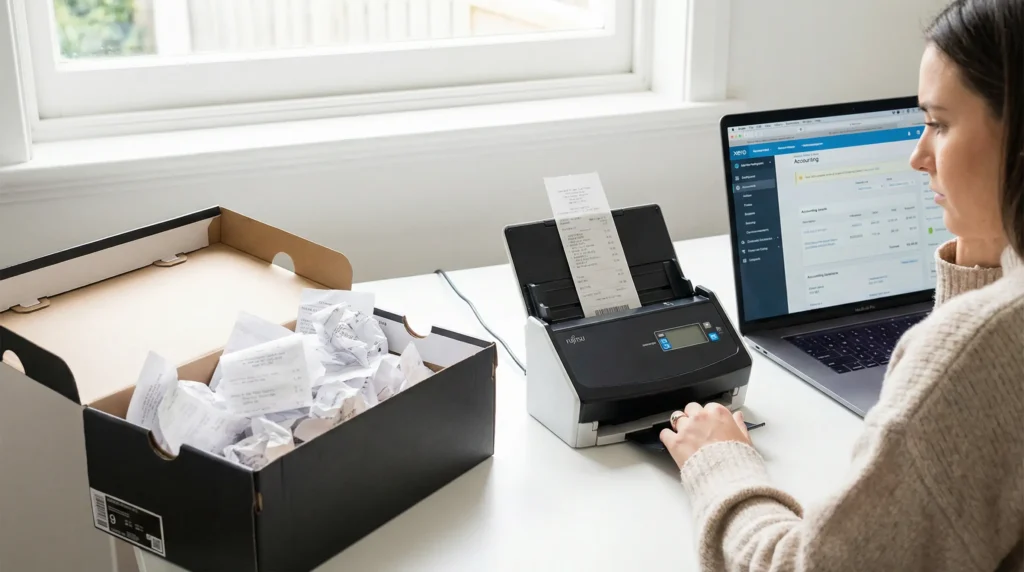
Looking for the best document scanners for taxes?That shoebox, drawer, or forgotten corner of your desk is starting to feel heavy, isn’t it? It’s overflowing with a year’s worth of receipts, invoices, and financial statements. With the tax deadline looming, the pressure to turn that paper chaos into organized, deductible clarity is on. Manually sorting through it all is a nightmare, and using your phone for hundreds of documents is slow and often produces poor-quality images.
This is where a dedicated document scanner transforms your tax preparation from a stressful marathon into an efficient, streamlined process. A good scanner doesn’t just create a picture; it creates a searchable, digital archive that makes finding deductions and organizing your financial life incredibly simple. Say goodbye to the fear of losing a valuable receipt and hello to a stress-free tax season by using the best document scanners for taxes available today.
Reviews: The Best Document Scanners for Taxes in 2026
I’ve sorted through the options to find the scanners that offer the best combination of speed, reliability, and smart features specifically for freelancers, small business owners, and anyone tired of paper clutter.
Scanner Comparison at a Glance
To help you choose, here is a quick look at how the best document scanners for taxes compare in terms of speed and features.
| Feature | Fujitsu ScanSnap iX1600 | Epson RapidReceipt RR-600W | Brother DS-640 Mobile |
|---|---|---|---|
| Scanning Speed | 40 ppm | 35 ppm | 16 ppm |
| Feeder Capacity | 50 Sheets | 100 Sheets | 1 Sheet (Manual) |
| Connectivity | Wi-Fi, USB | Wi-Fi, USB | USB |
| Killer Feature | One-Touch Simplicity | Auto Data Extraction | Ultra-Portable Size |
| Best For | Overall ease of use | Automated bookkeeping | Scanning on the go |
While all models listed are among the best document scanners for taxes, they each serve different office needs.
1. Best Overall: Fujitsu ScanSnap iX1600
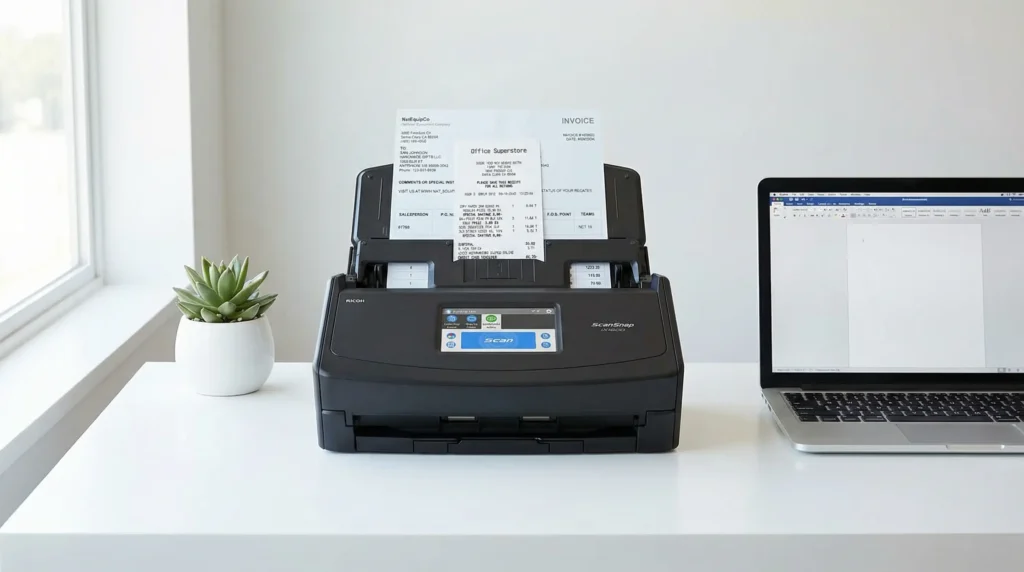
- What it is: The ScanSnap iX1600 is widely considered the gold standard for personal and small business document scanning. It’s a fast, reliable, and incredibly user-friendly device designed to make going paperless as simple as touching a button.
- Who it’s for: This is the perfect scanner for freelancers, consultants, and small business owners who need to scan a variety of documents—from receipts and contracts to business cards—without a complicated setup.If you want a ‘set it and forget it’ experience, this is easily one of the best document scanners for taxes for beginners.
- Pros & Cons:
- Pro: Incredibly easy to use with a large, intuitive 4.3-inch touchscreen.
- Pro: Fast duplex (two-sided) scanning at up to 40 pages per minute.
- Pro: Excellent software (ScanSnap Home) that helps organize, manage, and even make your documents searchable.
- Con: The software, while powerful, can sometimes be complex for users who want deep customization.
- Con: Premium price point compared to entry-level models.
- Why I Picked It: I chose the ScanSnap iX1600 because it masters the most important part of scanning: making it effortless. Its “one-touch” scanning profiles mean you can set it up once to send receipts to a “Taxes” folder on Google Drive, business cards to your contacts app, and invoices to a searchable PDF folder, each with a single tap. This level of automation is a game-changer during the tax season crunch.
2. Best for Automated Data Extraction: Epson RapidReceipt RR-600W
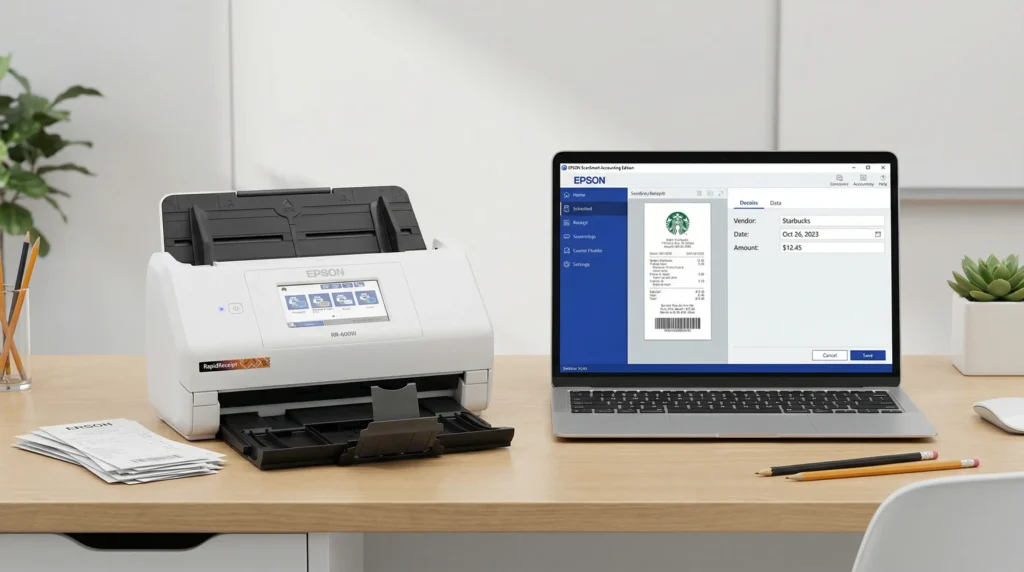
- What it is: The Epson RR-600W is more than just a scanner; it’s a financial organization system. It’s specifically designed to not only scan receipts and invoices quickly but also to intelligently extract key financial data from them, saving you hours of manual data entry.
- Who it’s for: This is a fantastic tool for small business owners, bookkeepers, and meticulous freelancers who want to export financial data directly into programs like QuickBooks or Excel, not just create a PDF image.
- Pros & Cons:
- Pro: Includes powerful ScanSmart Accounting Edition software that automatically extracts data from receipts and invoices with high accuracy.
- Pro: Large 100-page automatic document feeder (ADF) handles large batches of mixed documents effortlessly.
- Pro: Flexible wireless and USB connectivity for easy setup.
- Con: The primary value is in the software, which has a learning curve to maximize its potential.
- Con: Can be slower than the ScanSnap iX1600 on raw scanning speed (rated at 35 ppm).
- Why I Picked It: The Epson RapidReceipt RR-600W solves a bigger problem than just paper clutter—it tackles the tedious task of data entry. The ability to scan a pile of receipts and have the scanner automatically identify the vendor, date, and amount, then export it all into a spreadsheet or accounting software, is its killer feature. For anyone who dreads logging expenses, this device doesn’t just digitize your mess; it organizes it for you.
▶️ See How It Automatically Organizes Finances on Amazon
The automated data extraction makes this one of the best document scanners for taxes for those with heavy bookkeeping requirements.
3. Best Portable Scanner for On-the-Go Receipts: Brother DS-640 Compact Mobile Document Scanner
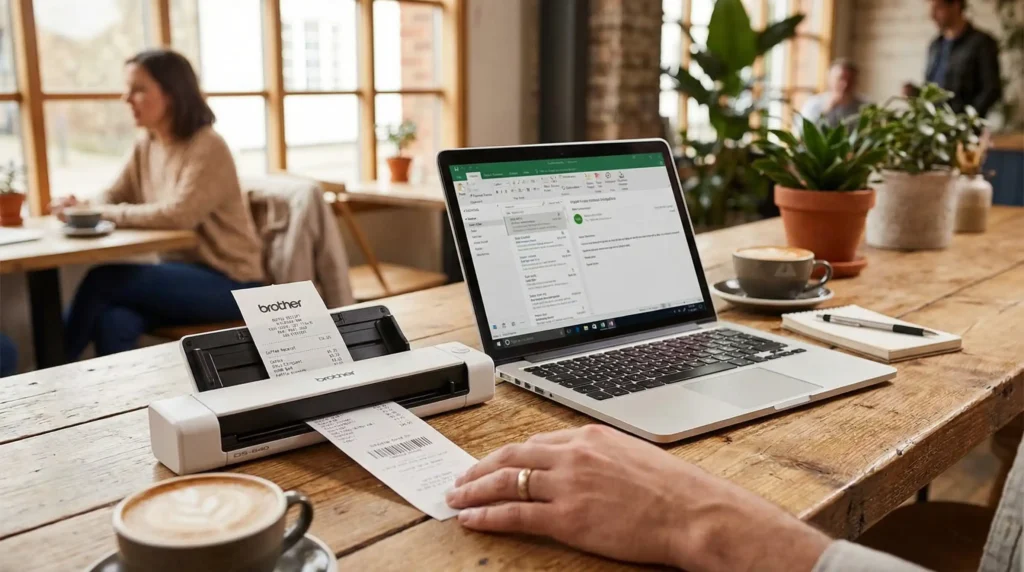
- What it is: The Brother DS-640 is an ultra-compact, USB-powered scanner designed for professionals who need to digitize documents away from the office.
- Who it’s for: Traveling salespeople, consultants, digital nomads, or anyone who primarily needs to scan single receipts, business cards, or short contracts on the go.
- Pros & Cons:
- Pro: Extremely small and lightweight, easily fits into a laptop bag.
- Pro: Fast for its size, scanning a single page in just a few seconds at up to 16 pages per minute.
- Pro: Powered directly by a USB cable from your laptop—no extra power adapter needed.
- Con: It’s a manual, single-sheet feeder, not suitable for scanning stacks of documents.
- Con: Lacks wireless capability and requires a connection to a computer to operate.
- Why I Picked It: For capturing expenses as they happen, the DS-640 is perfect. Instead of stuffing a receipt from a client lunch into your wallet where it will fade and get crumpled, you can scan it directly to a PDF in your hotel room in seconds. This discipline ensures no deductible expense is ever lost, which can add up to significant tax savings.
▶️ Check the Price for This Go-Anywhere Scanner on Amazon
Frequently Asked Questions
Investing in one of the best document scanners for taxes is the smartest move you can make to avoid last-minute April stress.
- Q: Can’t I just use my phone to scan receipts?
- A: While your phone is great for occasional scans, a dedicated scanner is much faster for batches, provides higher quality and more consistent images (no weird angles or shadows), and its software is built for organizing documents with features like automatic text recognition (OCR) and cloud syncing.
- Q: What’s the difference between the Fujitsu and the Epson scanner?
- A: Think of it this way: The Fujitsu ScanSnap is designed for ultimate simplicity and speed in creating organized, searchable PDFs. The Epson RapidReceipt is a more specialized financial tool designed to not only create a PDF but also to read and extract the financial data from it for direct import into accounting software.
- Q: Will these scanners work with my accounting software like QuickBooks or TurboTax?
- A: Yes. All three can create searchable PDFs compatible with any accounting software. The Epson RR-600W takes it a step further by offering direct data export functionality to QuickBooks, QuickBooks Online, and Excel, which dramatically speeds up bookkeeping.
- Q: What does OCR (Optical Character Recognition) mean and why is it important for taxes?
- A: OCR is a technology that converts the image of text into actual, searchable text data. This means that after you scan a receipt, you can search your computer for “Office Depot” or a specific dollar amount, and the file will pop up. It’s the base technology that allows the Epson scanner to perform its data extraction magic.
Don’t let April 15th catch you off guard; invest in the best document scanners for taxes now and reclaim your desk space today.
Top 5 Hidden Gem Gadgets for Tax Season
Once you have your scanner, a few other budget-friendly tools can make your financial organization even smoother.
- A Reliable Paper Shredder: After digitizing, you need to securely destroy sensitive documents.
- Cable Management Box: Tame the mess of cables from your new scanner, computer, and chargers to keep your workspace clean and focused.
- Anker 521 Charger (Nano Pro): A compact GaN charger that can power your laptop and phone from a single tiny brick, reducing desk clutter.
- Logitech MX Vertical Wireless Mouse: Long hours organizing finances can be tough on your wrist. A vertical mouse helps maintain a more natural posture.
- Mr. Coffee Mug Warmer: Keep your coffee or tea at the perfect temperature during those long tax prep sessions.
Want more gear recommendations? Head back to our homepage to see all our 2026 tech comparisons.